Edition: onebrief.com · built 21 Nov 2026
Get this as JSON ↓Brand book · onebrief.com · Logo
Logo, light and dark
BrandKit renders the site twice, once with the dark colour scheme, so each background gets the file the brand itself uses there. Drag the line to compare.
On light · Logo · SVG 600×100 · header-img

On dark · no dark file, the same logo
| Type | For | Size | Found in | Download |
|---|---|---|---|---|
| Logo | light backgrounds | 600×100 | header-img | svg |
| Icon | any | 256×256 | apple-touch-icon | jpeg |
Brand book · onebrief.com · Colour
Colour
Ranked by evidence: colours found in the logo, the theme colour, the manifest, buttons and CSS variables each count. A chip is taller the more places it was found. Select one to copy it.
| Colour | Role | Found in | Text on it | Hex |
|---|---|---|---|---|
| 01 | brand | button, css-variable, logo | black | #019eff |
| 02 | dark | button, logo | white | #191919 |
| 03 | light | link, logo | black | #ffffff |
Brand book · onebrief.com · Type
Type
onebrief.com sets its headings in Space Grotesk (Google Fonts). Shown in Archivo. Width 125 on Archivo's axis, from the logo's 6.0:1 proportions.
- Space Grotesk
- Headings · Body textGoogle Fonts
- Inter
- Also usedGoogle Fonts
| Family | Used for | Source |
|---|---|---|
| Space Grotesk | Headings, Body text | Google Fonts ↗ |
| Inter | Also used | Google Fonts ↗ |
Brand book · onebrief.com · Company
Onebrief
- Industry
- Military planning software
Onebrief is a command decision platform that combines agentic AI, integrated planning, collaboration tools and continuous wargaming into a single decision cycle. Its software is designed for military staffs, with the stated aim of helping commands evaluate more options, understand risk earlier and make decisions faster.
The platform brings together data integration, planning, collaboration, AI, simulation and execution workflows in one environment. According to the company, it is live on all networks, including SIPR and JWICS, and integrates with partners and supporting command systems. The company states that its average user completes workflows in half the time and that its platform is integral to three of the four largest operational plans (OPLANs) globally.
Written from onebrief.com.
| Field | Value |
|---|---|
| Name | Onebrief |
| Domain | onebrief.com |
| Industry | Military planning software |
| Description | Onebrief develops collaboration and AI-powered workflow software for military staffs. Its command decision platform combines agentic AI, integrated planning and continuous wargaming. |
Brand book · How it’s printed
How a brand is printed
- 01RenderLoad the English homepage in headless Chrome, with trackers blocked and bot walls waited out.
- 02LogosCollect every logo candidate in light and in dark mode, then keep one file per shape.
- 03ColourRank colours by votes from the logos, theme colour, manifest, buttons and CSS variables.
- 04TypeRead the font families from the stylesheets and note which are on Google Fonts.
- 05FactsMatch the company on Wikidata, then a Claude review approves the name, description and logos.
- 06StoreSave the brand and serve every file from the CDN. The next request is instant.
Brand book · onebrief.com · Assets
Every file
3 files, exactly as the API serves them from the CDN. Each one downloads directly; the URLs are permanent.

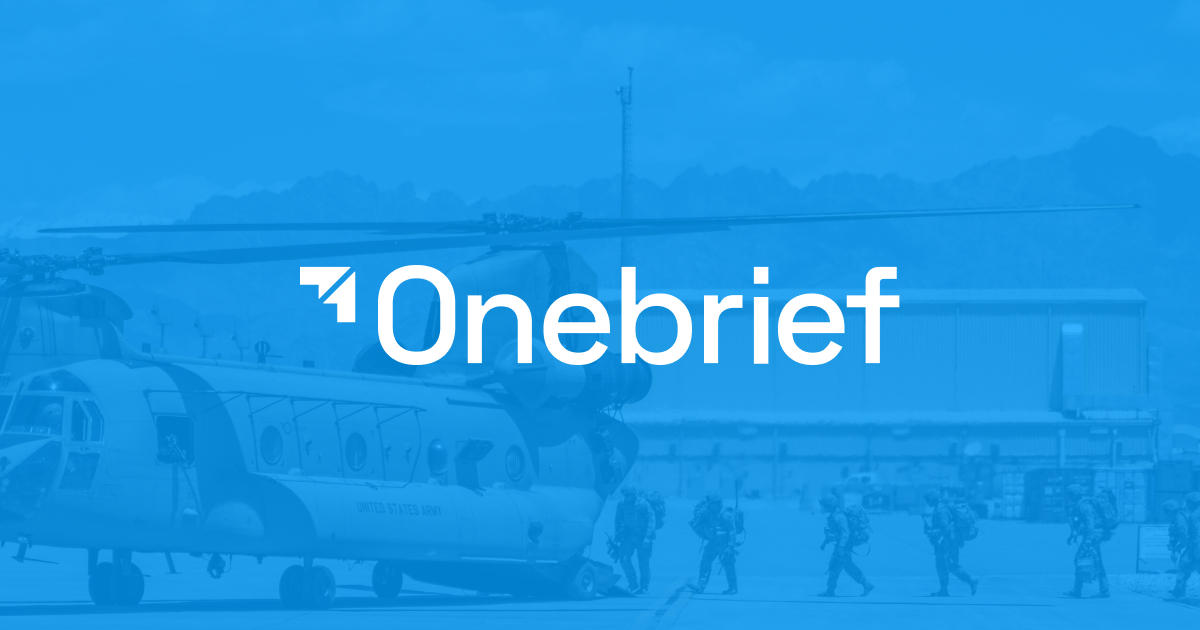
banner · the share image the site sets
- jpeg ↓1200×630 · 279 KB
| Type | Format | Size | File | Download |
|---|---|---|---|---|
| banner | JPEG | 1200×630 | 279 KB | Download |
Brand book · onebrief.com · The call
GET /v1/brands/onebrief.com
One request with your secret key returns the whole edition as JSON.
curl -H "X-API-Key: bk_…" \
  https://api.brandkit.superlabs.co/v1/brands/onebrief.com
{
  "domain": "onebrief.com",
  "name": "Onebrief",
  "logos": [
    {
      "type": "logo",
      "theme": "dark",
      "formats": [
        {
          "src": "https://cdn.brandkit.superlabs.co/assets/onebrief.com/ac14b37b4fe95ffe6e84.svg",
          "format": "svg"
        }
      ]
    },
    {
      "type": "icon",
      "formats": [
        {
          "src": "https://cdn.brandkit.superlabs.co/assets/onebrief.com/087ec78e35b18b66751d.jpg",
          "format": "jpeg"
        }
      ]
    }
  ],
  "colors": [
    {
      "hex": "#019eff",
      "type": "brand"
    },
    {
      "hex": "#191919",
      "type": "dark"
    },
    {
      "hex": "#ffffff",
      "type": "light"
    }
  ],
  "fonts": [
    {
      "name": "Space Grotesk",
      "type": "title"
    },
    {
      "name": "Space Grotesk",
      "type": "body"
    }
  ]
}
Quick answers
- What are Onebrief's brand colours?
- Onebrief's main brand colour is #019eff. Its palette also uses #191919 and #ffffff.
- What font does Onebrief use?
- Onebrief uses Space Grotesk for its headings and body text.
- Where can I download the Onebrief logo?
- This page has 2 Onebrief logo files in SVG and JPEG, taken from onebrief.com.